Essentials
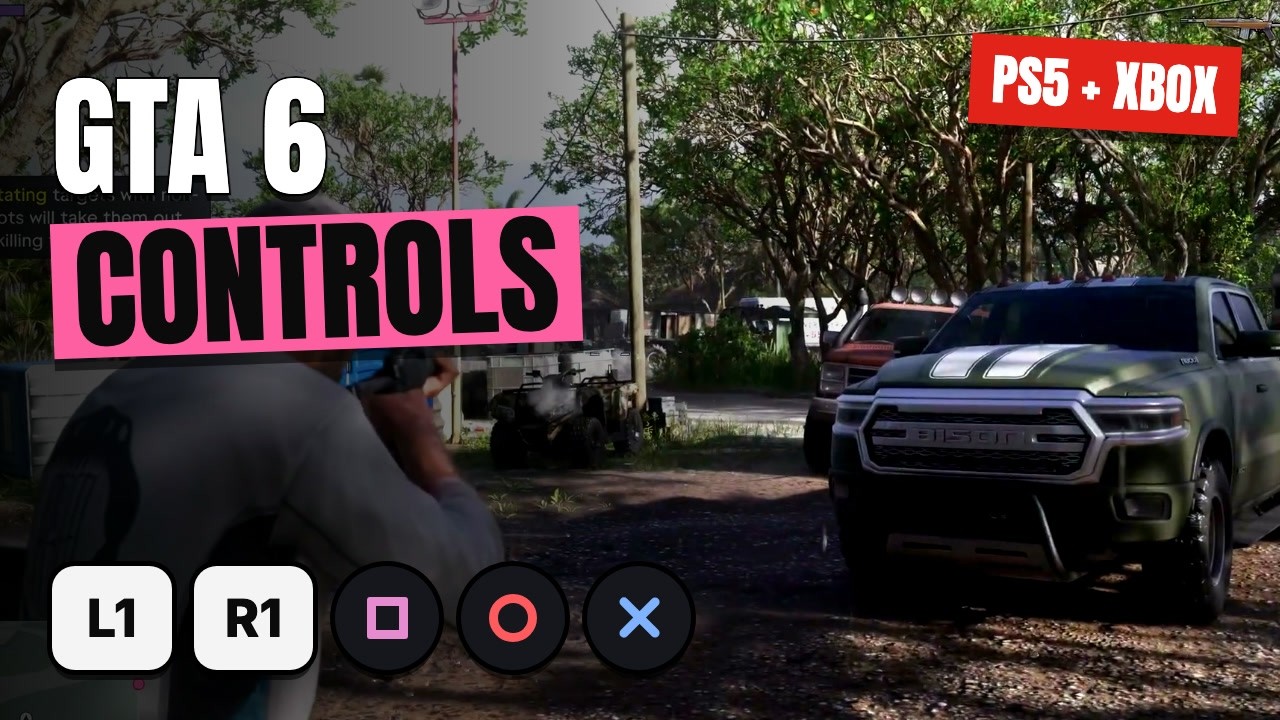
GTA 6 PS5 Controls: Every Button Explained
Updated ✓ Checked against sources
The short answer
On PS5, GTA 6 uses L2 to aim, R2 to shoot, Cross to jump or climb and L3 to sprint by default. The Touch Pad opens the map and D-Pad Up pulls out the phone. If you want GTA 5 style running on Cross, switch to the Classic control scheme in the settings.
What are the default on-foot controls on PS5?
- Left stick / right stick: move and look
- L3: run and sprint
- Cross: jump and climb
- Circle: crouch (tap) or rest (hold)
- Square: melee
- Triangle: interact
- L1: holster weapon (tap) or open the loadout (hold)
- L2: aim, or interact when held
- R1: take cover
- R2: shoot
- R3 (hold): look behind
- Touch Pad: map
- D-Pad Up: phone (tap) or WAiNK app (hold)
- D-Pad Left: radio controls
- D-Pad Right: detonate explosives (tap) or partner menu (hold)
- D-Pad Down: objective and minimap (tap) or quick navigation (hold)
What are the PS5 driving controls in GTA 6?
- R2: accelerate
- L2: brake and reverse
- Cross: handbrake
- L3: horn, or nitrous when the vehicle has it
- Triangle: exit the vehicle
- D-Pad Left and Right: turn indicators (tap); vehicle menu and partner menu are on a hold
- Aircraft: R2 and L2 raise and lower throttle, the left stick handles pitch and roll
How do melee and swimming work on PS5?
In a fist fight, hold L2 to lock on, use Square to punch or kick and Cross to block or dodge. GamerFuzion's layout also lists R2 as grapple. While swimming, R1 reportedly dives, Cross brings you back to the surface and L3 swims faster, though only one of our sources lists the swimming buttons, so check the on-screen prompts.
What changes with the Classic control scheme?
Classic is aimed at players coming from GTA 5. It moves run to Cross, jump and climb to Square, melee to Circle and crouch to L3. Everything else stays close to the default layout. There is also a left-handed scheme that swaps the shoulder buttons, triggers and sticks.
How to change the control scheme
- Press Options to open the pause menu.
- Go to Settings, then the Controls section.
- Pick Default, Classic or Left-Handed as your control scheme.
- Test a few minutes on foot and in a car before changing anything else.
6 videos
Watch
GTA 6 Controls: How to Play on PS5 and Xbox (Every Button)
People also ask
Questions, answered
How do you sprint in GTA 6 on PS5?
Click L3 (press the left stick) to run and sprint on the default layout. On the Classic scheme, sprint moves to Cross like in GTA 5.
How do you open the phone in GTA 6 on PS5?
Tap D-Pad Up to open the phone. Holding D-Pad Up opens the WAiNK app directly.
What button opens the map in GTA 6 on PS5?
Press the Touch Pad to open the full map.
Can you remap controls in GTA 6?
You can pick between Default, Classic and Left-Handed schemes in the Controls settings, alongside sensitivity, deadzone and trigger options.
Sources we checked